

Home#
The new FlexiBowl® interface is fully web-based. To access it, simply enter the default IP address of the FlexiBowl® 192.168.1.10 in the address bar of your browser.
Overview#
The Home page is the main screen of the FlexiBowl® software interface. It is displayed at system start-up and gives the operator an immediate overview of the device status, as well as access to the main functions.
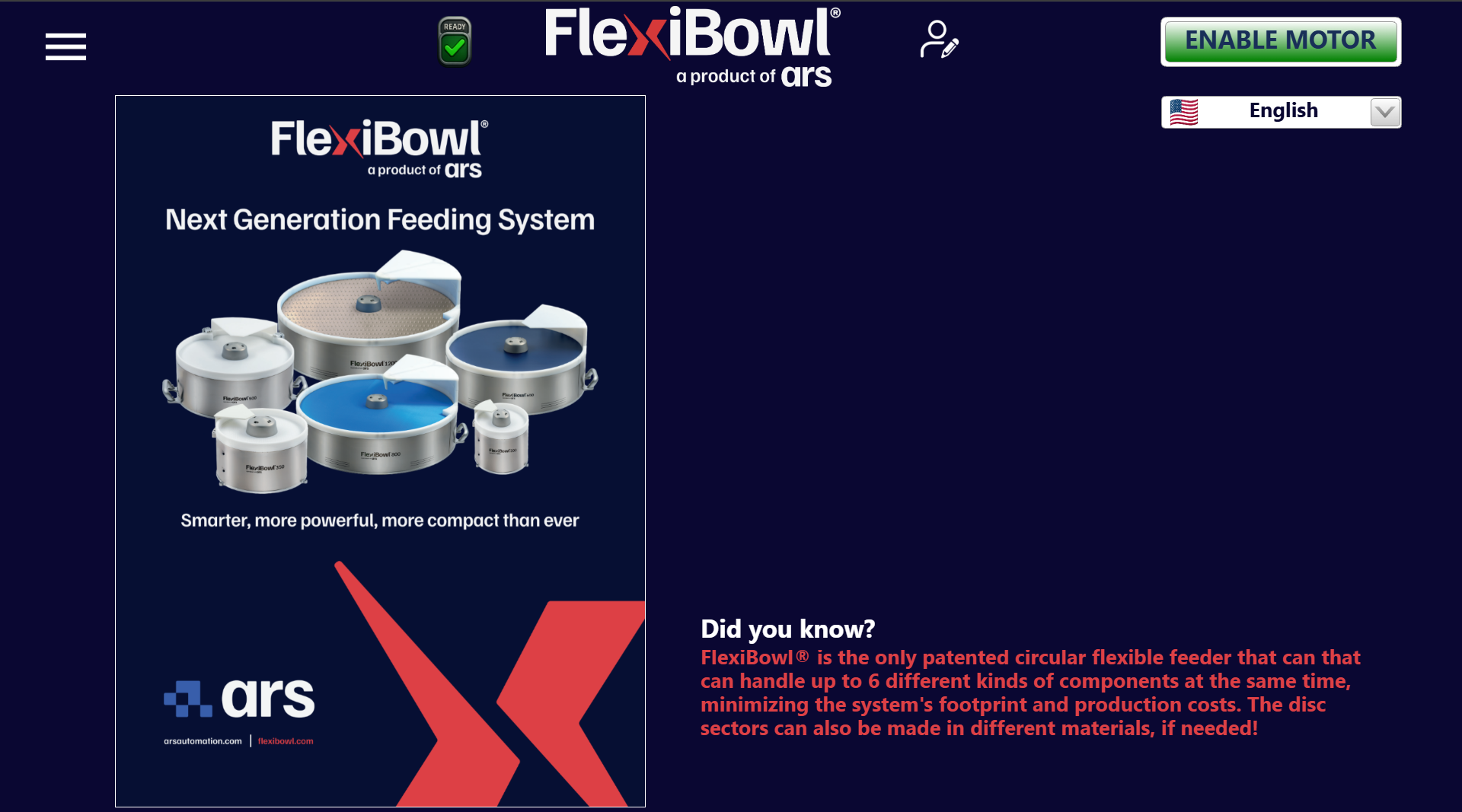
Element |
Position |
Description |
|---|---|---|
Menu (☰) |
Top left |
Opens the main side navigation menu, which gives access to all sections of the software (parameters, diagnostics, history, settings, etc.) |
Status icon (READY ✓) |
Center-left |
Indicates the current operating state of the system. The green icon with the check mark and the READY label signals that the system is ready for operation |
User icon |
Center-right |
Allows the active user profile to be managed (login, logout, change user) |
Pulsante ENABLE MOTOR |
Top right |
Enables the FlexiBowl® motor. |
Language selector |
Below ENABLE MOTOR |
Drop-down menu to select the interface language. It shows the flag of the active language (e.g. 🇺🇸 English) |
Menu#
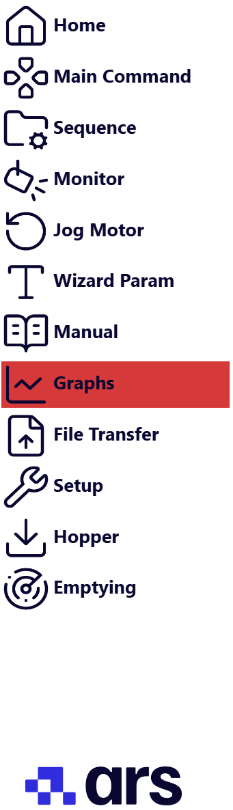
The side menu, which can be opened with the ☰ icon, gives access to all the pages of the interface:
Operating notes#
Attention
Before enabling the motor, check that the system state is READY (green icon visible in the top bar). If the icon is not green, check the error messages in the diagnostic sections.
Note
The language selected from the Home page is applied to the entire software interface. The change is immediate and does not require a system restart.